Printing & technique
The digital proof: know exactly how it will look in advance
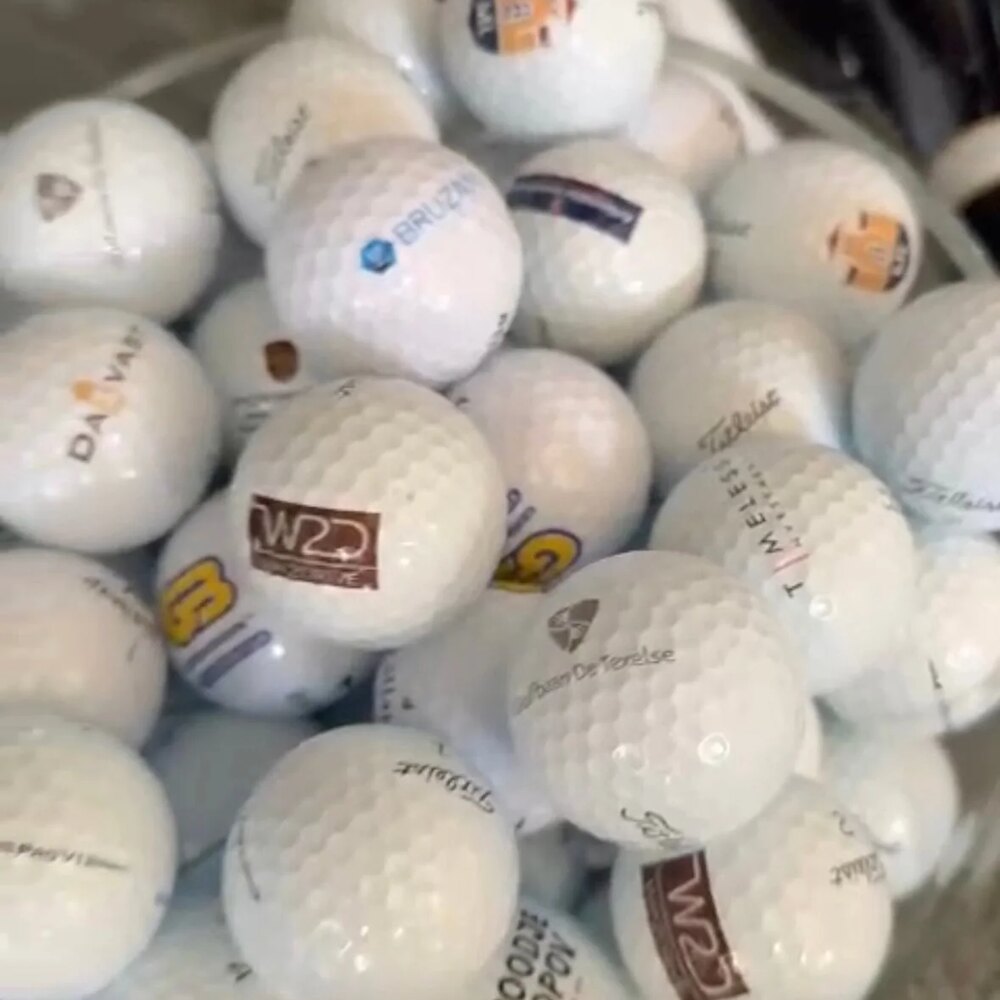
Nobody wants to receive a box of golf balls where the logo sits just a little differently than intended. That is why you always receive a digital proof from us first. So you know exactly what you are getting — before a single ball is printed.
What is a digital proof?
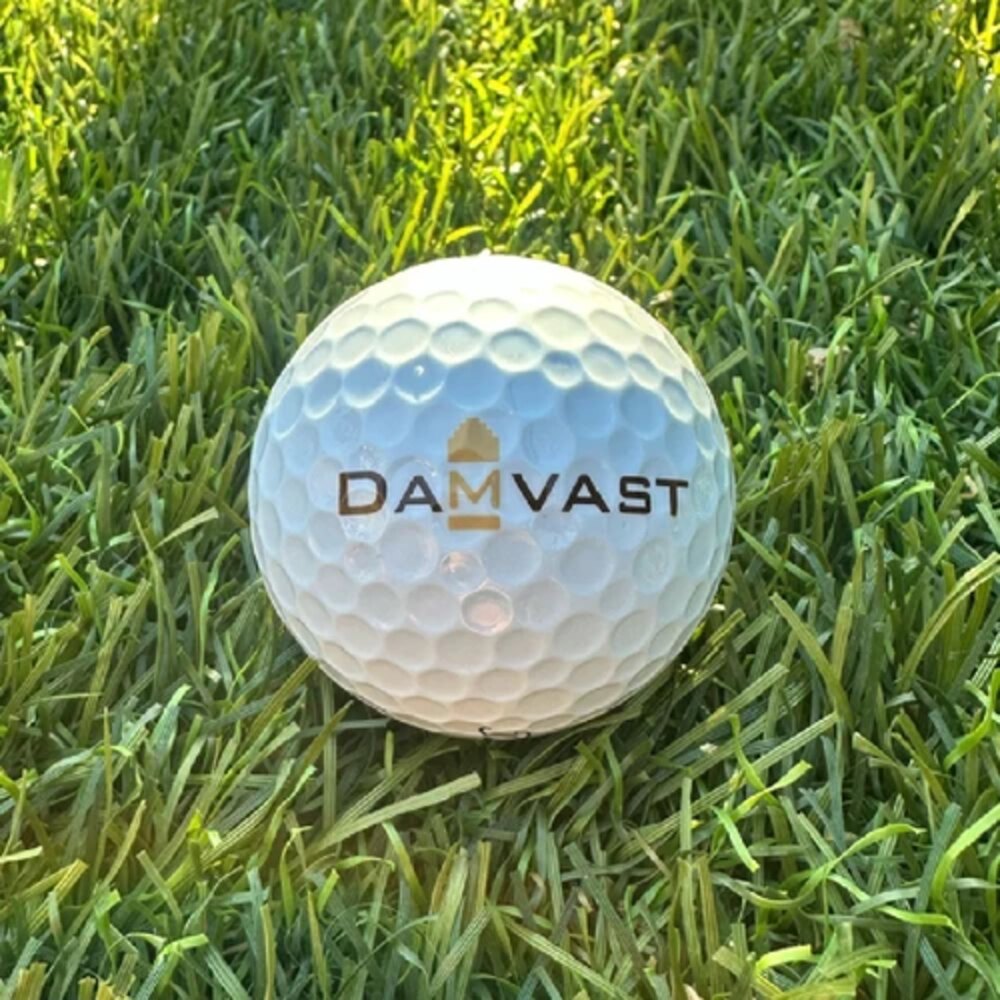
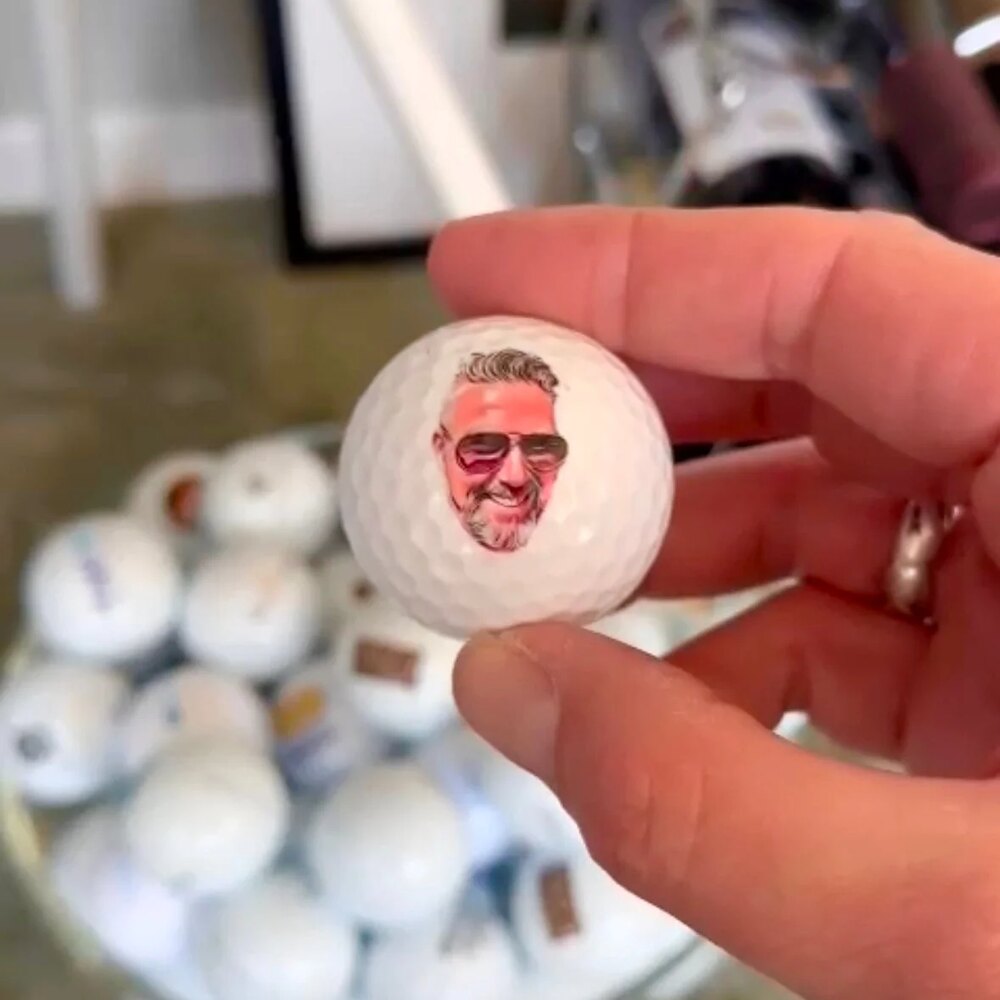
A digital proof is a visual representation of your logo or text on the chosen golf ball. You see the position, the colours and the proportions. It is your final check: is the colour right, is the logo positioned well, is the text spelled correctly?
How the process works
You start with a request via the configurator or the quote form: you choose the brand, model and quantity and supply your logo or text. We then create the digital proof and send it to you, together with a tailored quote. Production only starts after you have approved the proof. After that, allow a delivery time of 5 to 15 working days.
Why this matters
Printed golf balls are made to order. A good proof prevents disappointment and ensures the end result matches your expectation. It also leaves room to adjust small things: fine-tuning a colour, moving the logo slightly or correcting the text.
Handy to know
The online preview in the configurator is indicative: we always confirm the final position, colour and size in the digital proof. Not sure about the file you have supplied? See how to supply your logo, or ask Mark.
What you are actually checking on the proof
A proof is best reviewed in one calm sitting rather than in snatches on your phone. Work through it point by point and gather your comments into one message, so no stray remarks are left floating around. Most of the corrections that hurt later are things everybody assumed somebody else had checked.
- The spelling of every word, including names, abbreviations and capitalisation.
- The colour codes: is the PMS colour you specified actually stated, rather than an approximation of it.
- The position relative to the model name and the number on the ball.
- The balance between symbol and text, and whether the whole thing is becoming too small or too busy.
- Whether this really is the current logo and not an older version from your archive.
Put the proof next to a real golf ball at actual size as well. On a screen the design is often shown two or three times larger than reality, which skews your judgement of legibility.
Why your screen will not show you the colour honestly
Your monitor makes colour from light; the print makes it from ink on a curved white surface. The two can come close, but they will never be identical. A saturated shade nearly always looks brighter on screen than on the ball, and two colleagues on different laptops are not seeing the same colour either.
That is why you work with PMS or Pantone codes rather than what you see on screen. A specified code is an agreement about the ink; a screen colour is an impression. If you have a physical Pantone fan, lay it alongside. If not, go by your brand guidelines. What else is possible with colour depends on the design and model and is discussed on request; it is worth reading how many colours you can print on a golf ball beforehand.
Problems that only become visible on the proof
Some designs work beautifully on a building sign and not at all on a curved surface a few centimetres across. Hairline strokes, a thin keyline around lettering, a small registration mark or a gradient that fades away: on a proof you see immediately that such details either vanish or fill in. That is not a fault in your logo, it is a matter of scale.
The fix is usually a simplified print version of the same logo: slightly heavier lines, small elements removed, gradients replaced with flat colour. You make that adjustment once and reuse it for every order afterwards. If this applies to you, start with the requirements under supplying your logo and let us talk through what your file allows.
Who gives approval, and on which version
At companies and clubs a proof often passes several people: marketing, a committee member, a director. That is fine, as long as it is clear who gives the final approval. Loose comments from different directions that contradict one another cost time and raise the odds of an out-of-date version being signed off.
So agree on one contact who gathers the comments and sends the definitive approval. When you send that approval, state which version of the proof you are referring to. As soon as it lands, the order goes into production and the print is fixed — after that, changing it means starting again.
What a revision round does to your schedule
A correction round is normal and rarely a problem, but it does move your start date. The production time of 5 to 15 working days runs from approval, not from your first enquiry. Every round in which a new proof is produced, sent and reviewed internally adds to that.
Bear that in mind if your order hangs on a fixed date, such as a tournament or an opening. You can cut the chances of extra rounds considerably by supplying your artwork and colour codes complete the first time and reviewing the proof thoroughly in one go. If you are working towards an event with a hard deadline, read how to arrange golf balls for a tournament as well, and begin the process via golf ball printing well before the date comes into view.